What We Do
VoiceCoder lets developers write code by speaking. You describe a change out loud, an AI agent makes it in your own workspace, and you review the result in VS Code. It is built for developers who can’t use a keyboard or mouse reliably, and it works for anyone who would rather talk than type.
-
1
Speak
Your microphone is on from the start. Say what you want to build or change, then pause. Your words appear as you talk.
-
2
The agent codes
Your request is cleaned up and sent to a coding agent, which edits the files in your workspace while you watch.
-
3
Review and approve
See the changes in VS Code next to a plain-language summary. Say “approve” to keep them, or ask to undo them.
- Hands-free from the first second
- Live transcript
- Results read aloud
- Your own Coder workspace
How to Set Up
Run VoiceCoder in your own Coder workspace, or try it on your computer with Docker. Everything you need is in our GitHub repo.
- Docker with Compose v2
- A Coder deployment (for workspaces)
- An Anthropic API key
- Chrome or Edge with a microphone
-
Step 1: Clone the repo
Clone it with its submodules (the bridge and the front end live in their own repos).
git clone --recurse-submodules https://github.com/TheAtlantaDream/VoiceCoder.git -
Step 2: Push the Coder template
From the repo folder, push the template in
template/to your Coder deployment.coder templates push voicecoder --directory ./template -
Step 3: Create a workspace
In Coder, create a workspace from the VoiceCoder template and paste your key into the Anthropic API Key parameter. Without a key, VoiceCoder still transcribes and cleans your speech, but no coding agent runs.
-
Step 4: Wait for the first build
The first boot builds the images and downloads the speech model (about 650 MB). After that, workspaces on the same host start quickly.
-
Step 5: Open VoiceCoder and talk
Open the workspace’s VoiceCoder app in Chrome or Edge and allow the microphone. Say “hey VoiceCoder” or “Coder,” followed by your request. VS Code Web is on the same page.
-
Step 1: Add your key
After cloning, create your environment file and set
ANTHROPIC_API_KEYin it. Never commit.env.cp .env.example .env -
Step 2: Start the stack
This starts the Parakeet speech-to-text service, the bridge, the front end and VS Code Web with Docker Compose. Use
logsto follow output anddownto stop../scripts/run-local.sh -
Step 3: Open it
Go to 127.0.0.1:8080 on the same computer and start talking.
Stuck? The README has the full details, including how to update the bridge and front-end submodules.
About Us
We’re a team of four students from Georgia Tech, Georgia State and UGA who built VoiceCoder so that developers who can’t rely on a keyboard or mouse can still write code.
-

Stephen Sulimani
Coder template + ParakeetMS in Quantitative & Computational Finance at Georgia Tech, BS in Computer Science from UGA. A backend and quant engineer who built the Coder workspace template and speech-to-text that every VoiceCoder session runs on. suli.nyc
-
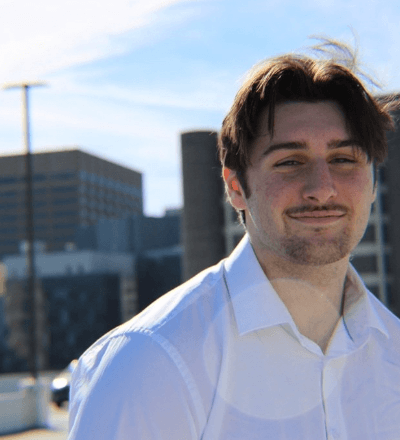
Carter Tierney
Go bridgeMS in Computer Science at Georgia State University. Built the Go bridge, the real-time link that streams your voice in, turns it into a clean request and hands it to the coding agent.
-
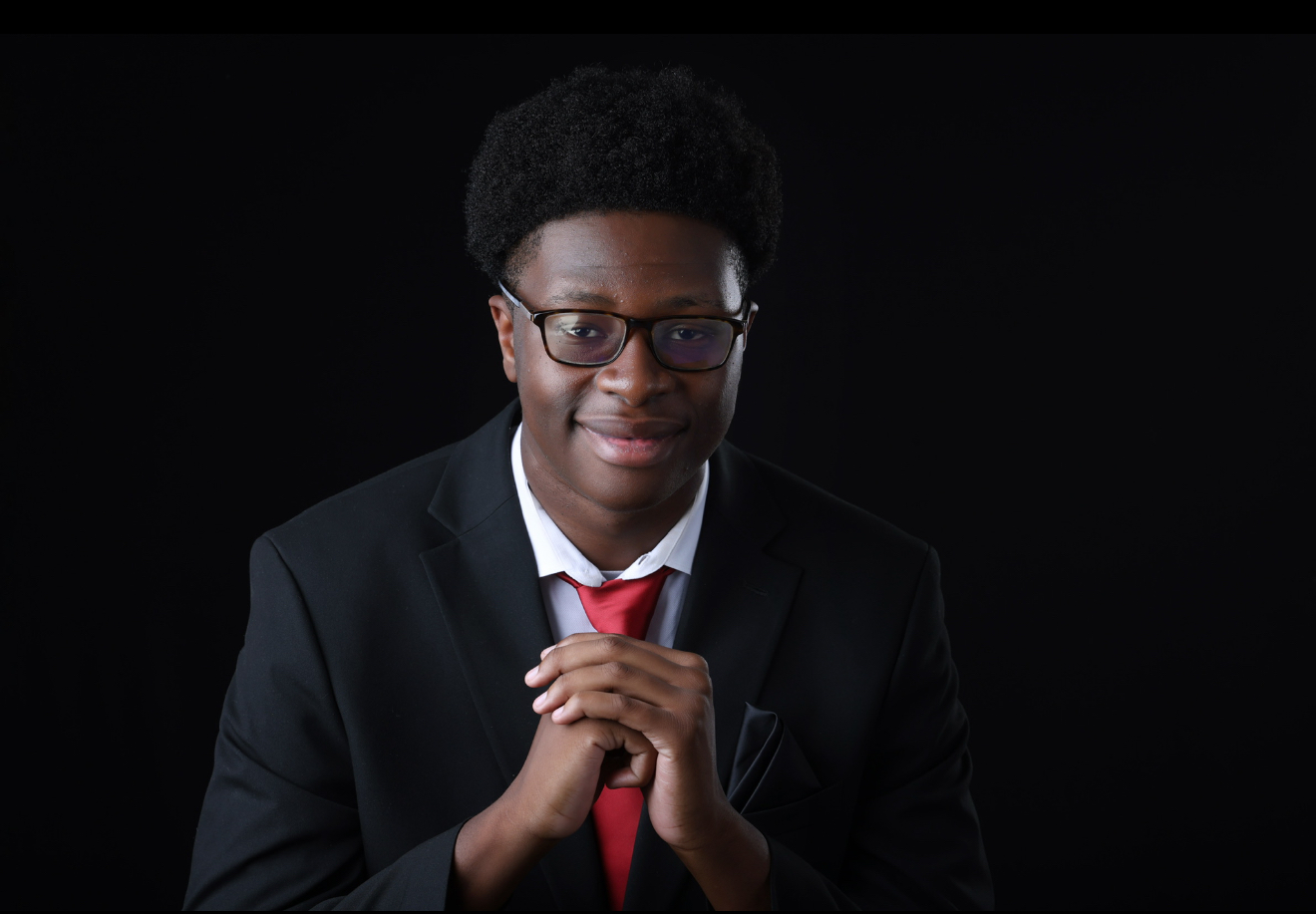
Uyiosa Nehikhuere
Agent runnerComputer Science at Georgia State University. Built the agent runner, which connects Claude Code to each workspace and sets the rules the agent follows when it edits your project.
-
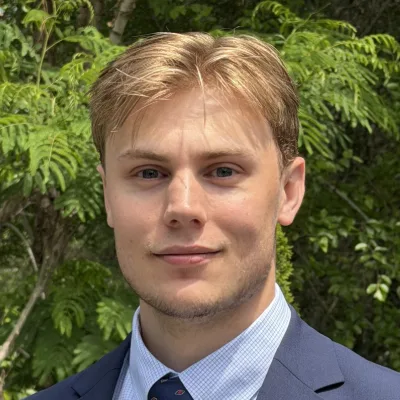
Seth Voisine
Front end + designComputer Science at the University of Georgia. Designed and built VoiceCoder’s hands-free, accessible interface, along with the project’s visual style and this site.